anynote プレスキット / Press Kit
記事やレビューで anynote を紹介していただく際、ここにある画像と文章は自由にお使いください。事前の許可は不要です。質問や取材の依頼はメールでどうぞ。
You are welcome to use the images and text on this page in articles and reviews about anynote. No permission needed. Questions and interview requests: email above.
基本情報 / Facts
| 名前 / Name | anynote(エニーノート)。日本語の App Store 名は「anynote - 自由に書ける思考整理メモ」、英語は「anynote: Brain Dump Notes」 |
|---|---|
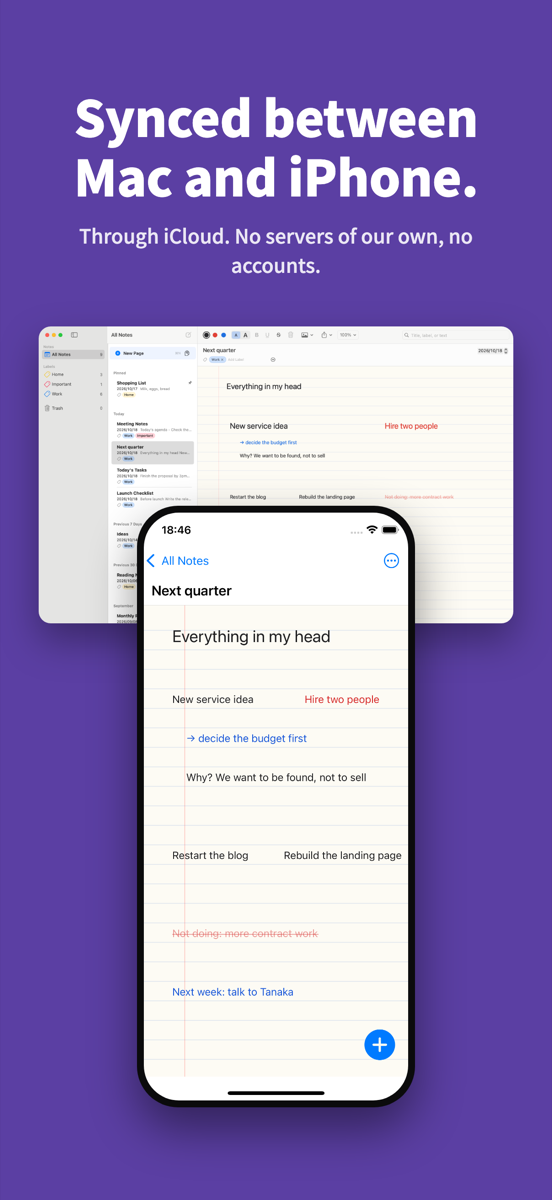
| 対応 / Platforms | Mac(macOS 14 以降)と iPhone(iOS 17 以降)。iCloud で同期 |
| 発売日 / Release | 2026 年 10 月 31 日(iOS・macOS 同時) |
| 価格 / Price | ダウンロード無料。3 日間は全機能。以後は買い切りの「解除」1 回(日本 1,480 円、米国 $19.99。初回表示から 24 時間は 980 円 / $9.99)。1 回の購入で Mac と iPhone 両方。サブスクリプションなし、アカウント不要 |
| 対応言語 / Languages | 日本語、英語、韓国語、簡体字中国語、繁体字中国語 |
| App Store | iPhone · Mac |
| サイト / Website | anynote-site.vercel.app |
| 開発元 / Developer | HAK-I, K.K.(株式会社 HAK-I、日本) |
| 連絡先 / Contact | support@hak-i.com |
| プライバシー / Privacy | 自前のサーバーなし、アカウントなし、解析なし。データは端末と本人の iCloud の中だけ(ポリシー) |
一言で / One line
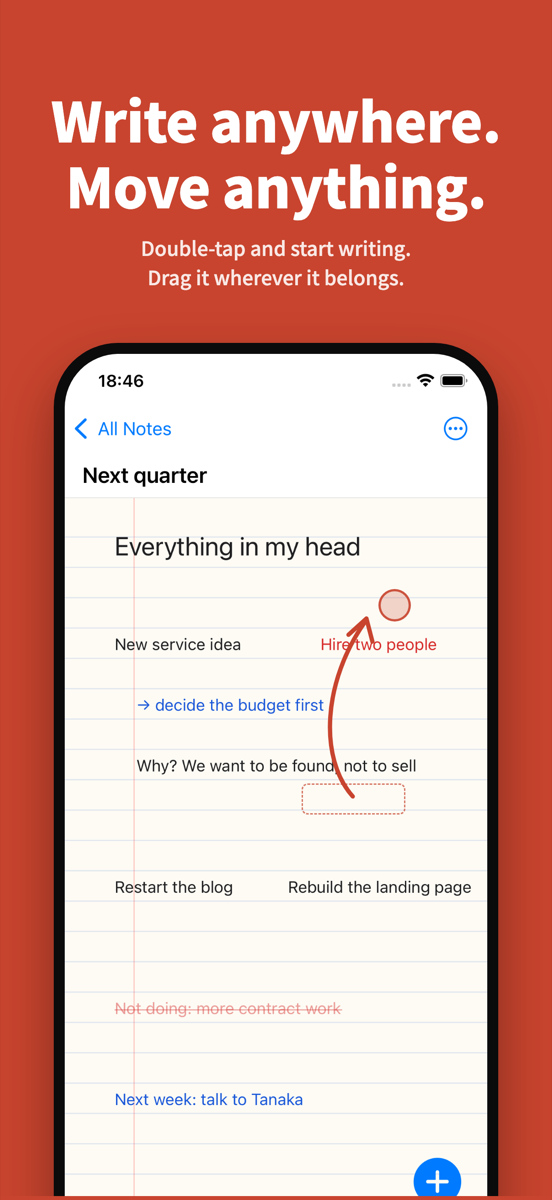
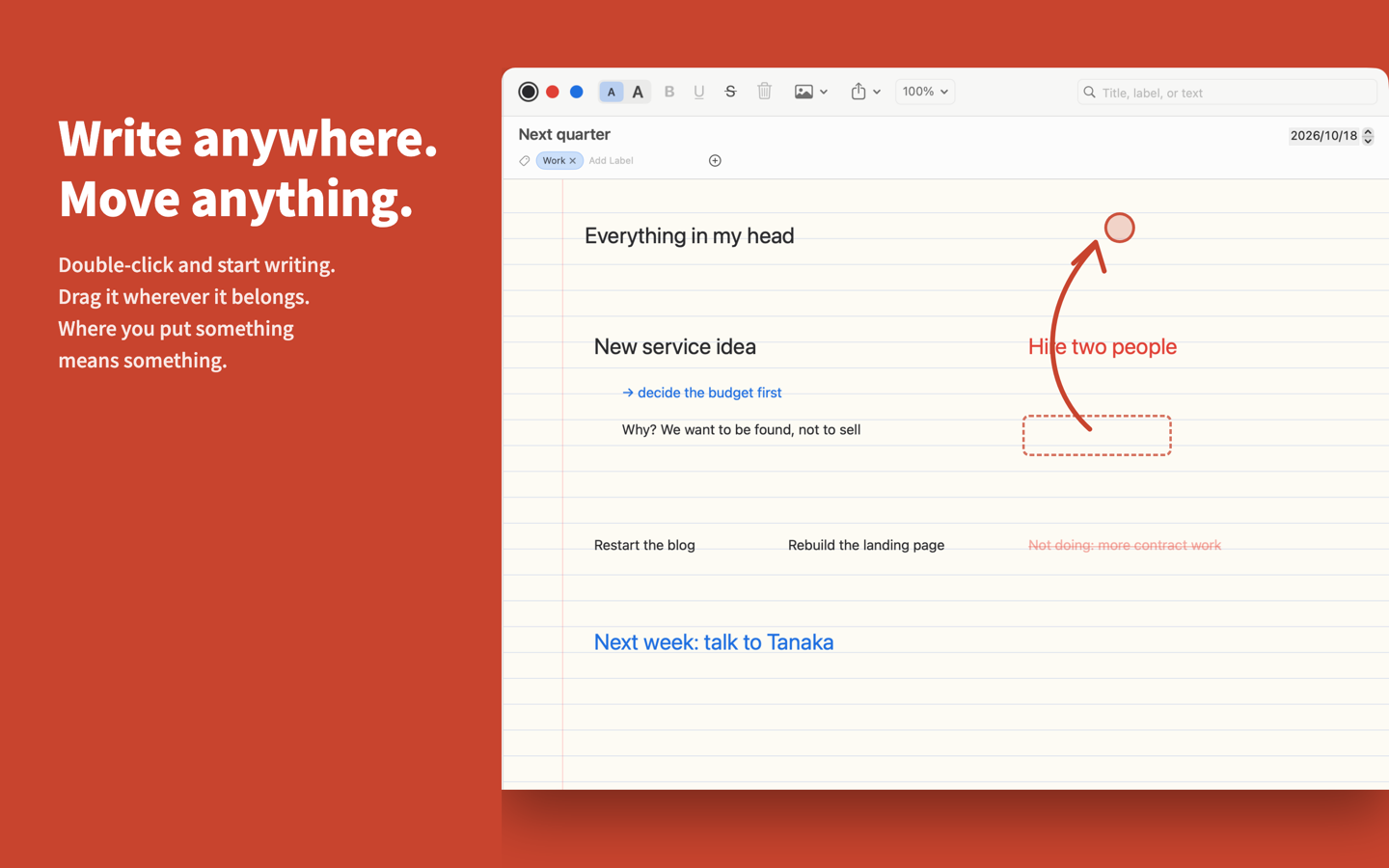
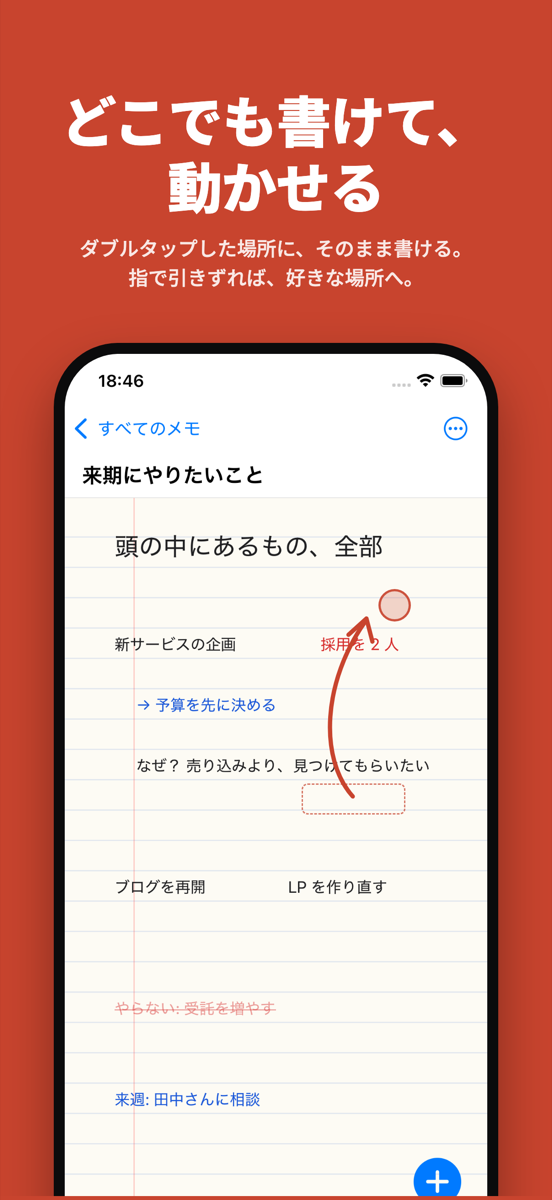
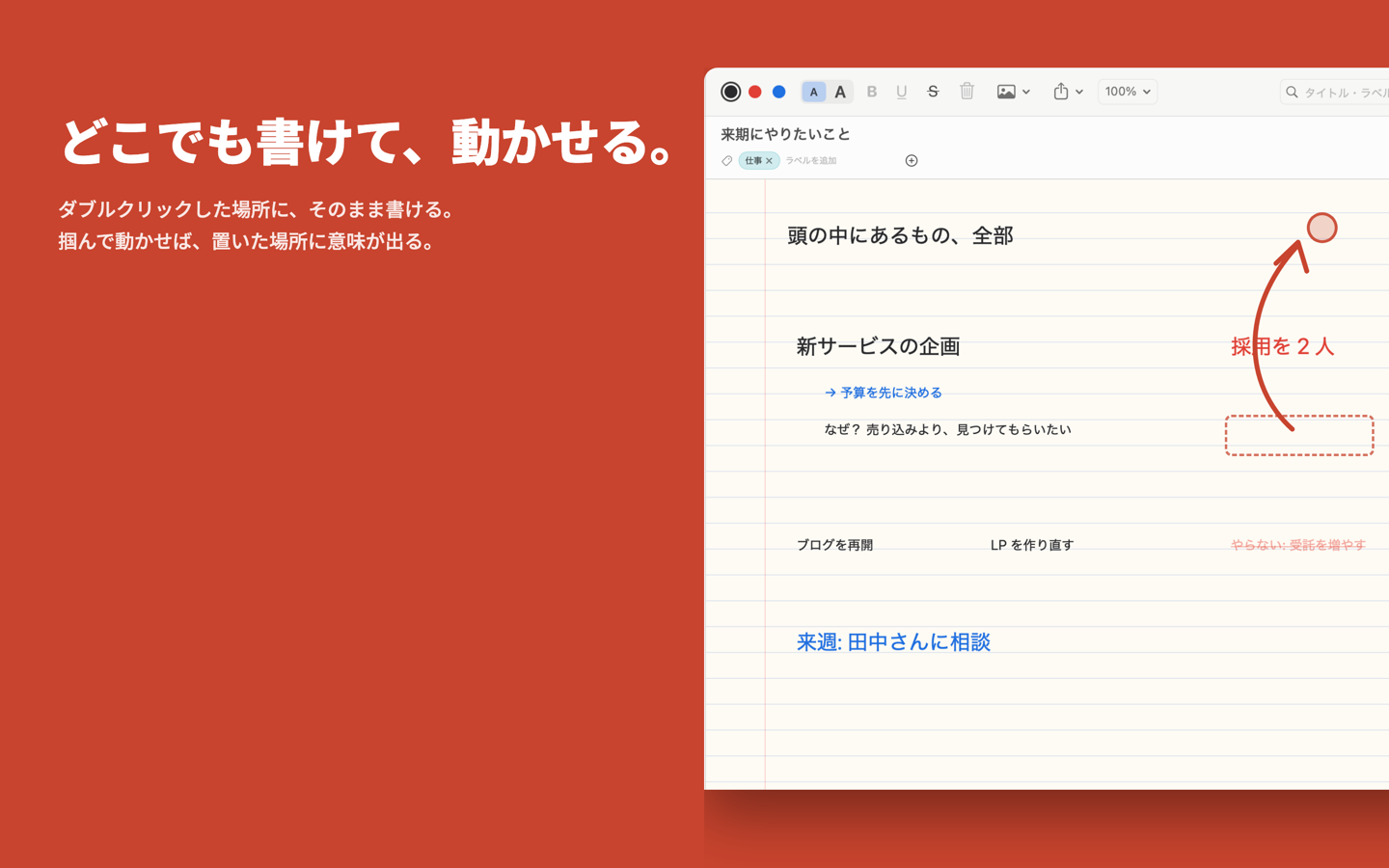
好きな場所から書く。並べ替えて、頭を整理する。どこをダブルクリック(iPhone ではダブルタップ)してもその場で書ける、紙のようなメモアプリ。
Write wherever you like. Move things around and clear your head. A notes app that works like a sheet of paper: double-click (double-tap on iPhone) anywhere and start writing right there.
説明 / Description
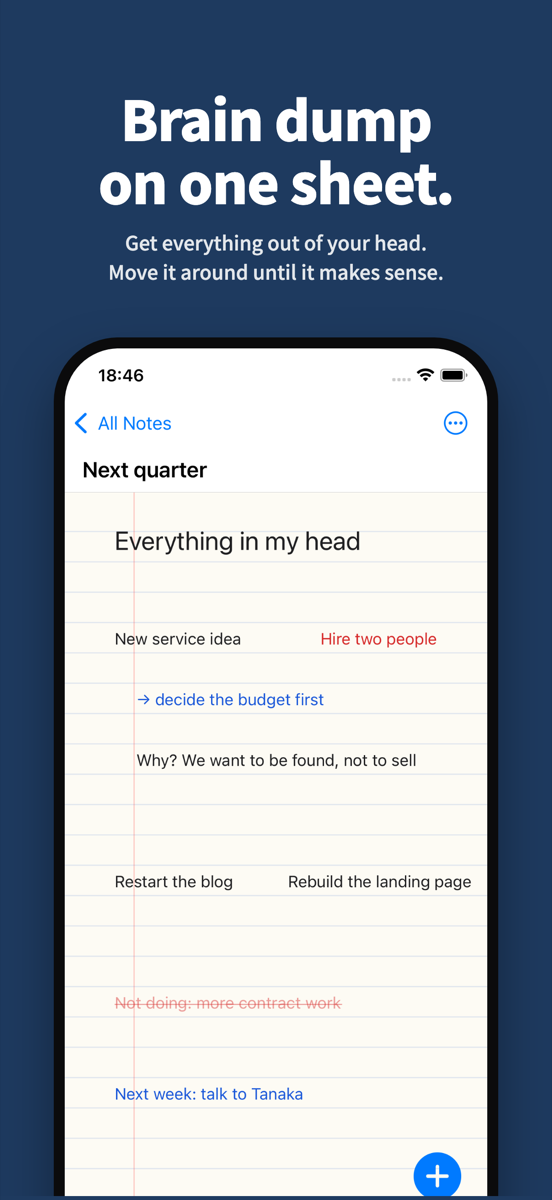
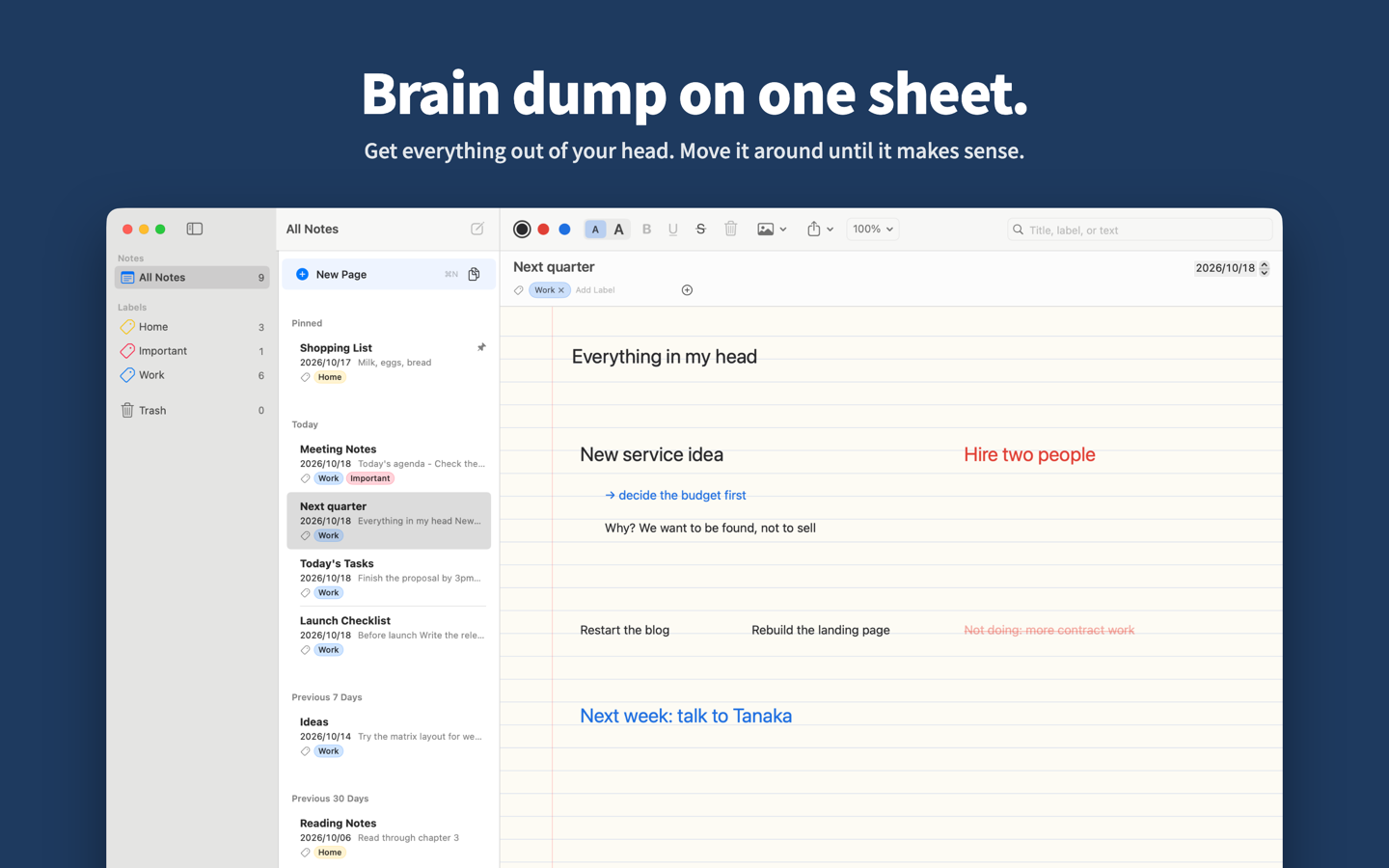
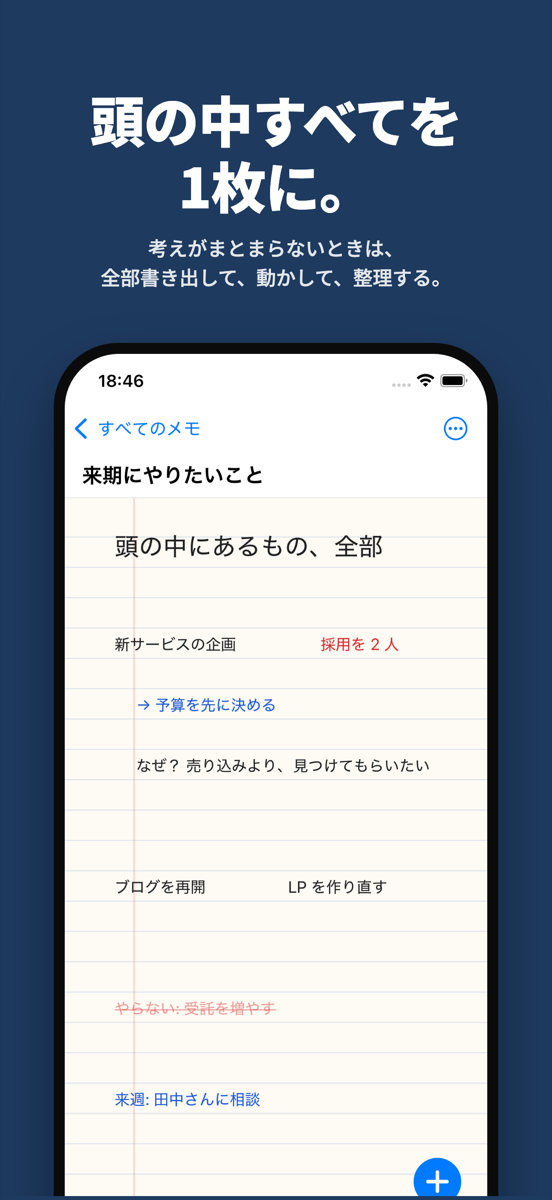
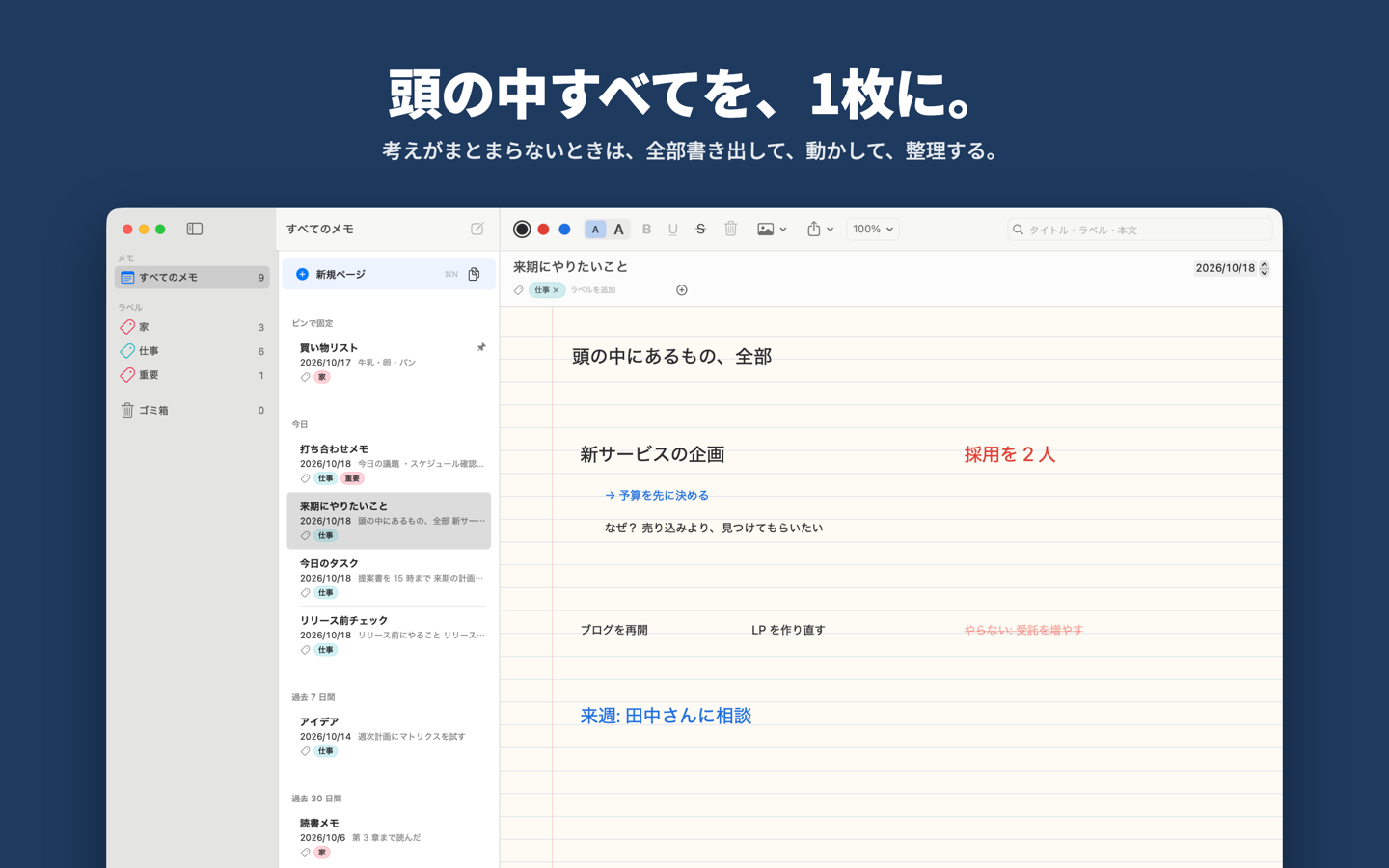
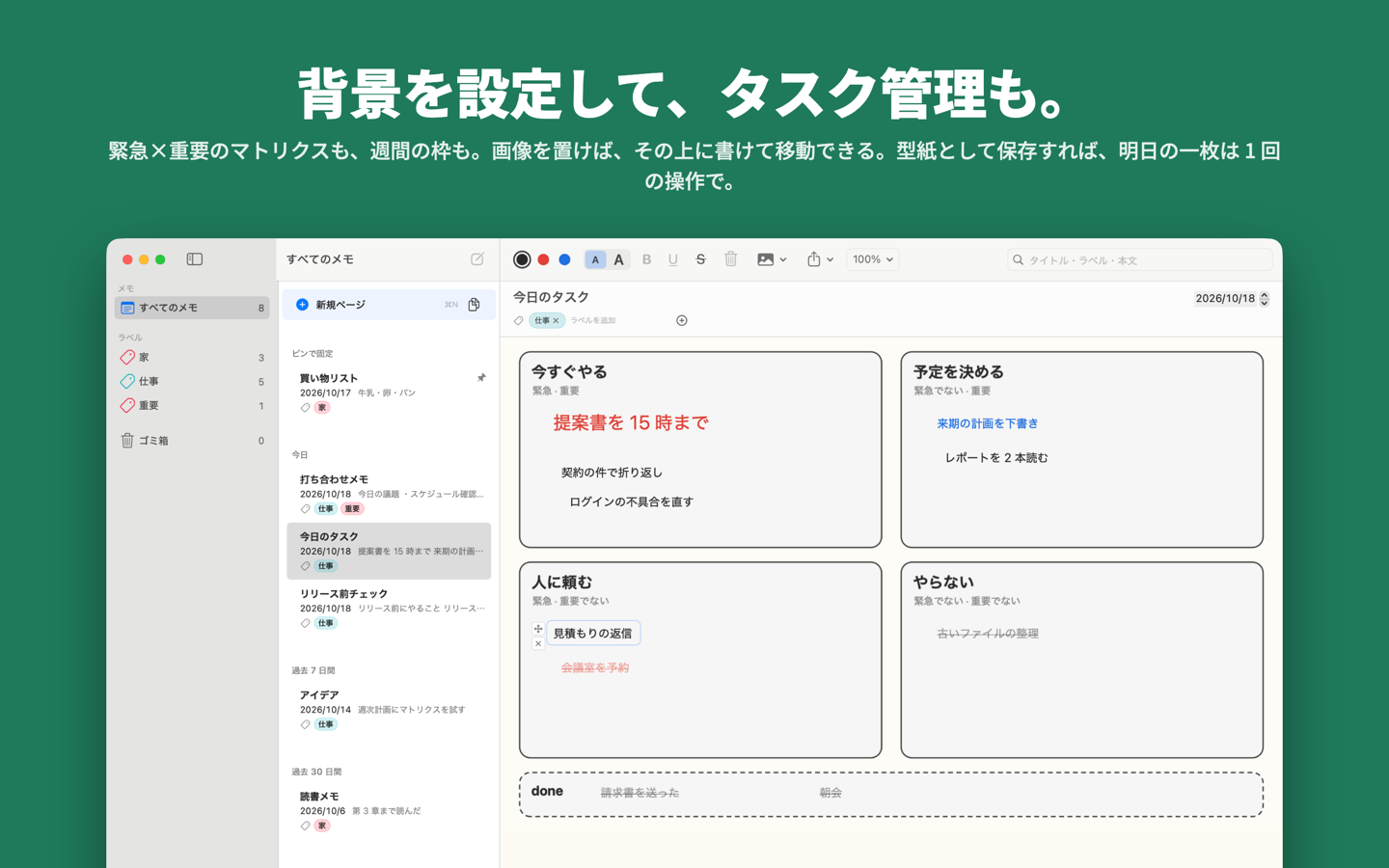
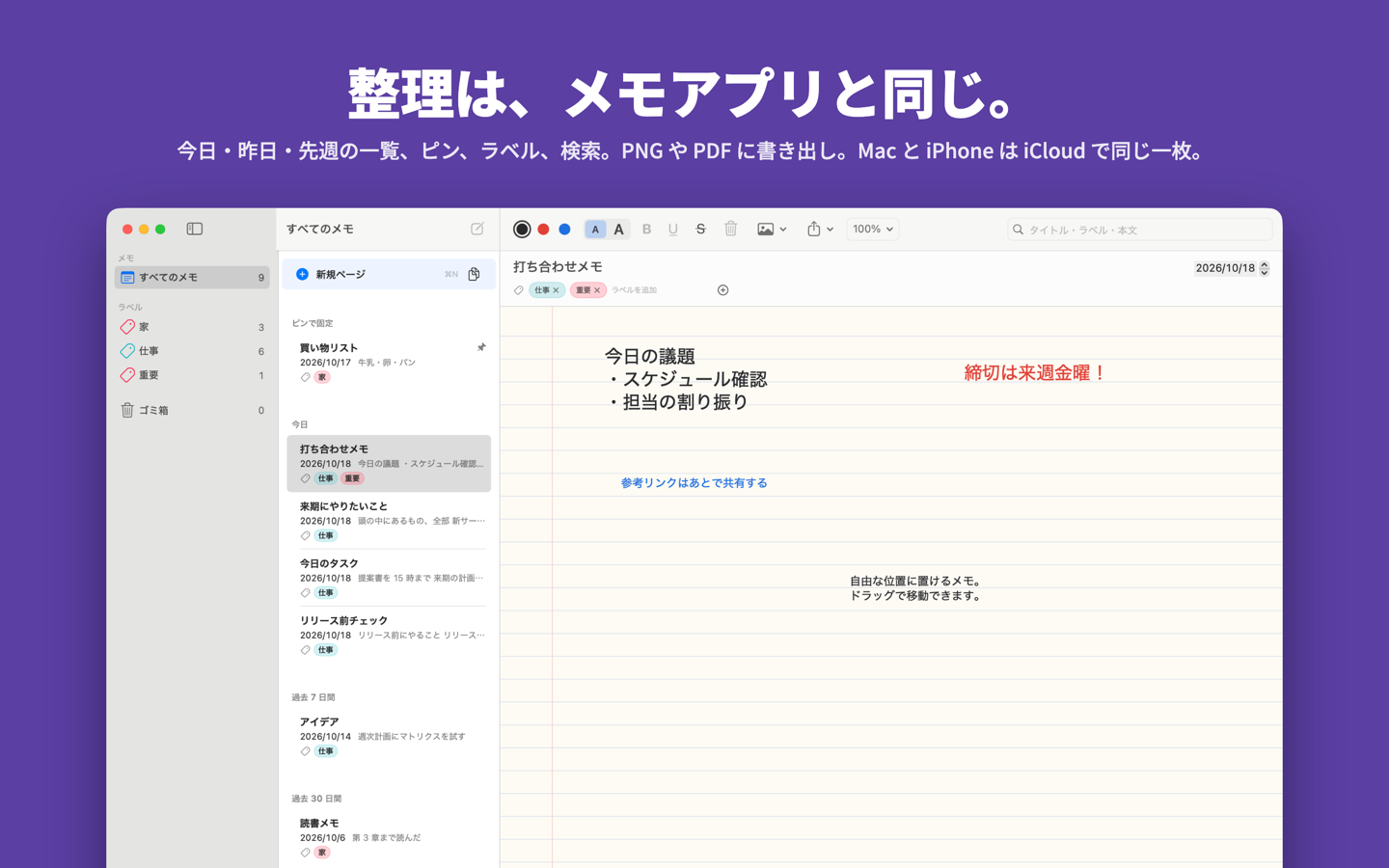
ふつうのメモアプリは上から下にしか書けません。anynote は白紙の紙です。どこをダブルクリック(ダブルタップ)してもその場で書き始められ、テキストはどこを掴んでも動かせます。置いた場所に意味があるので、頭の中にあるものを全部書き出してから、近いものを近くに動かして整理する、という使い方ができます。考えがまとまらないとき、一人でブレストするとき、ジャーナリングや一日の振り返り、タスク整理に。頭の中が散らかりやすい人、ADHD の方にも向いています。
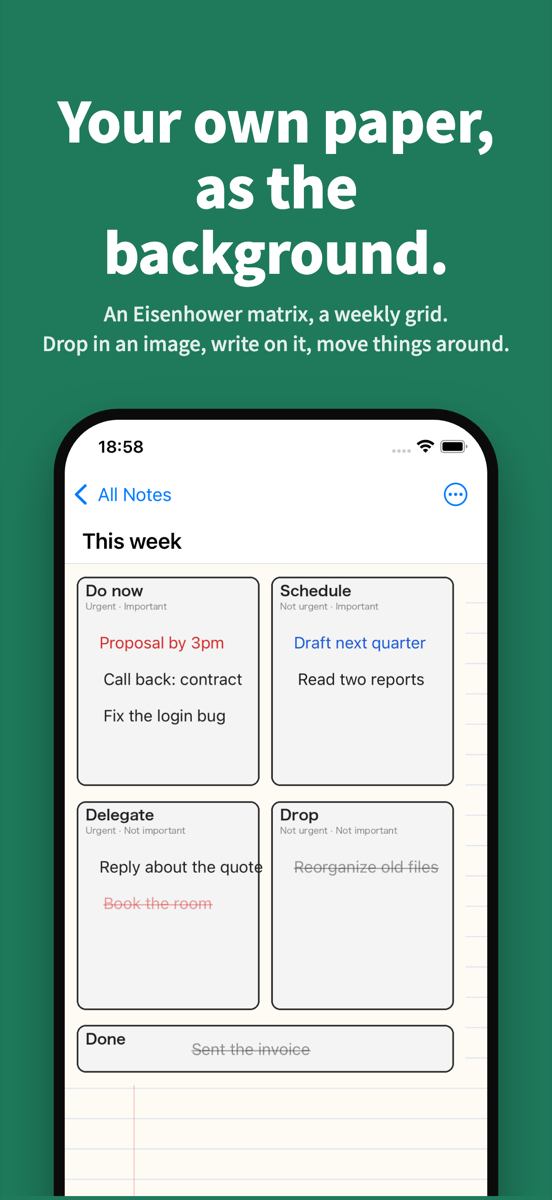
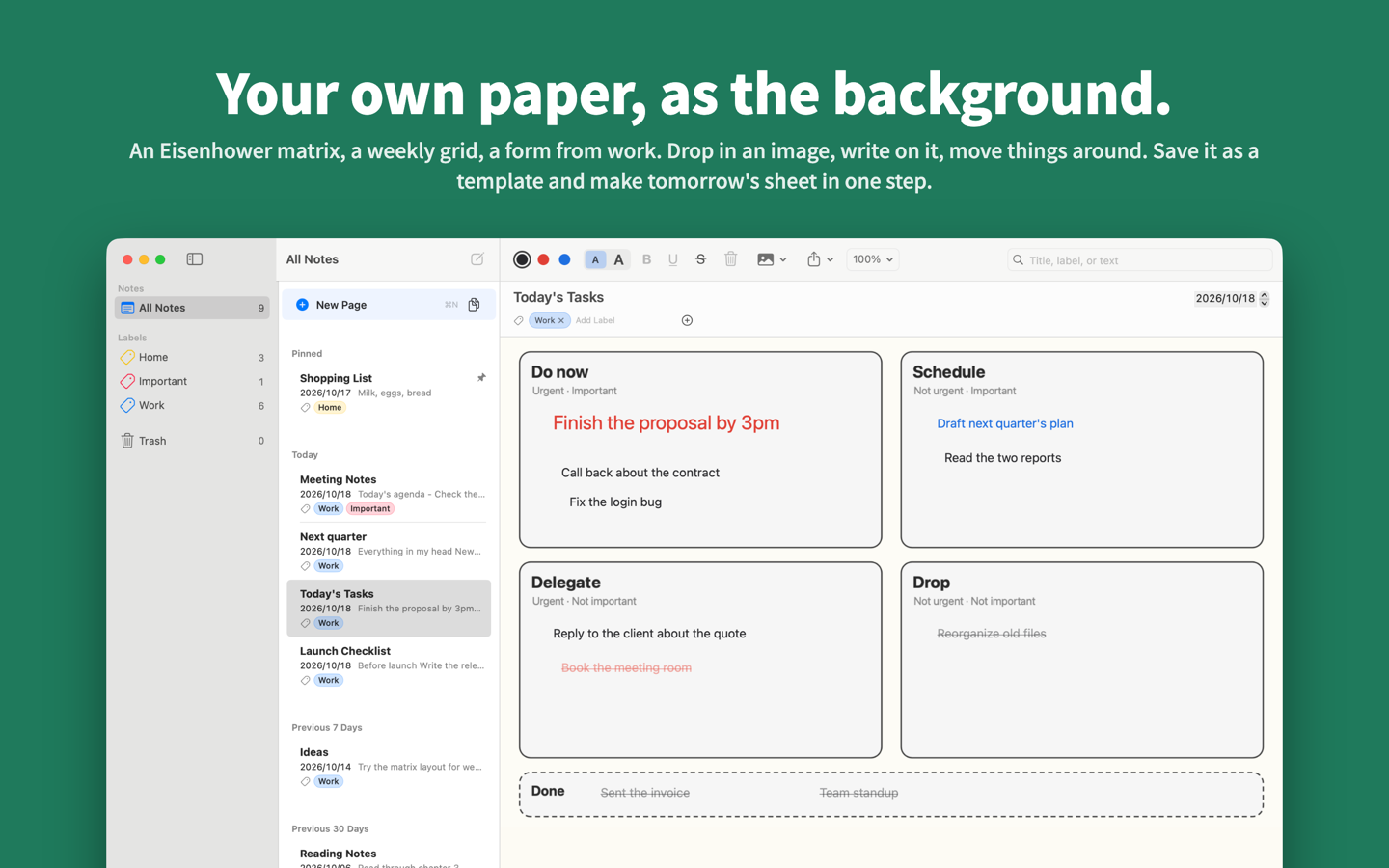
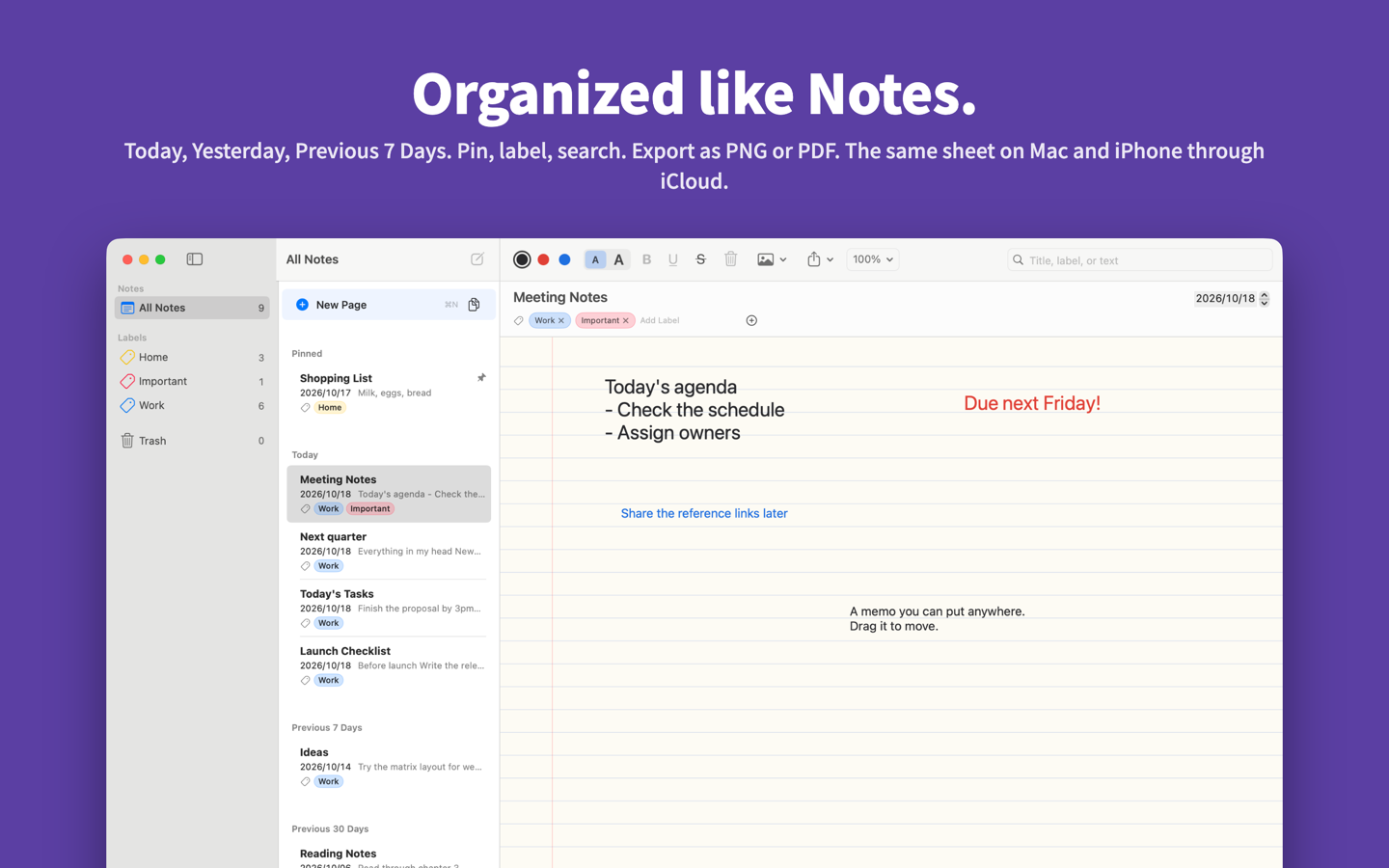
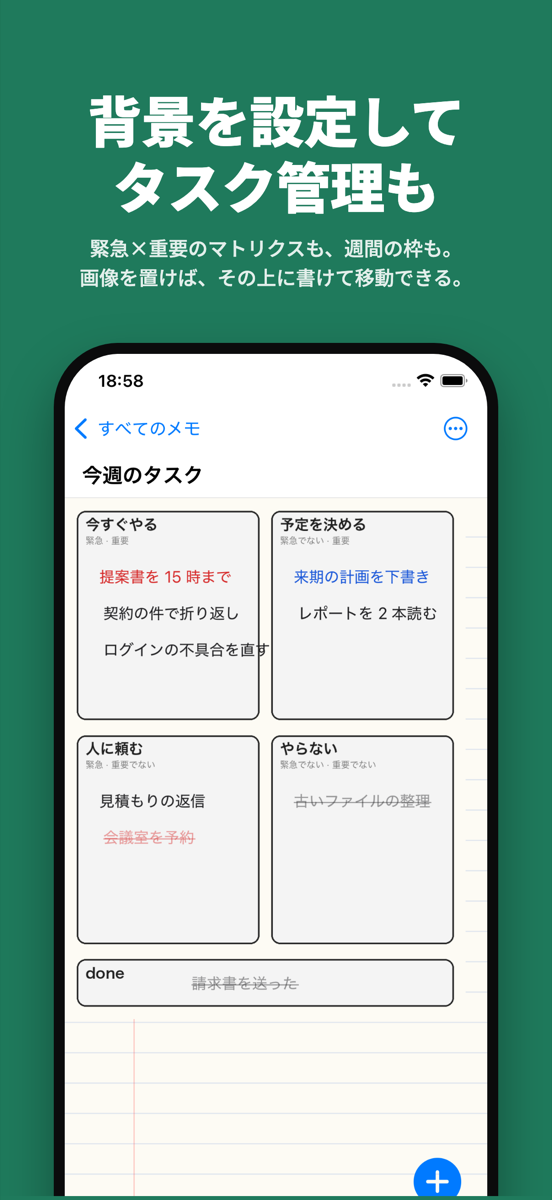
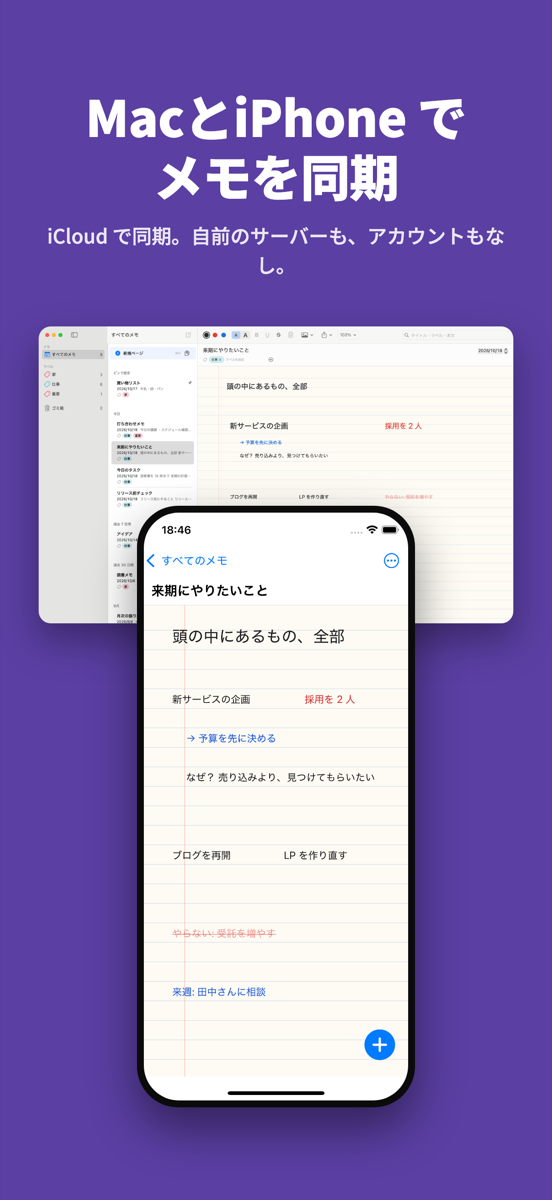
テキストの装飾は色 3 つ、大きさ 2 つ、太字・アンダーライン・取り消し線だけ。自分で作った画像を背景にすればマトリクス表や週間の枠として使え、型紙として保存できます。ページは PNG や PDF に書き出せます。Mac と iPhone の間は iCloud で同期し、開発元のサーバーもアカウントも解析もありません。
Most notes apps only let you write from top to bottom. anynote is a blank sheet. Double-click (double-tap on iPhone) anywhere and start typing; grab any text and drag it anywhere. Where you write something means something, so you can get everything out of your head first and sort it out afterwards. For when your thoughts won't settle, brainstorming alone, journaling and end-of-day reflection, and managing tasks. It also works well for ADHD brains: nothing to set up first.
Formatting is limited on purpose: three text colors, two sizes, bold, underline, strikethrough. Set your own image as the background (a matrix, a weekly planner) and save it as a template. Export pages as PNG or PDF. Notes sync between Mac and iPhone through iCloud, with no servers of our own, no accounts, and no analytics.
作った理由 / Why we made it
紙に書き散らして考えるのが好きな人がデジタルに移ると、「自由に置ける」ことを失って紙に戻ってしまう。その自由さだけを残し、同期と検索と書き出しを足したのが anynote です。機能を絞ったのは、書く前に迷うことをなくすためです。
People who think on paper lose the freedom to put things anywhere when they move to digital notes, and drift back to paper. anynote keeps just that freedom and adds sync, search, and export. The feature set is small so there is nothing to decide before you write.
アイコン / Icon
スクリーンショット(日本語)/ Screenshots (Japanese)
Screenshots (English)